
POS for Theme Parks, Arcades and Cinemas
Two revenue events, one system. Sell the ticket at the gate and the food at the counter, let visitors pay with a cashless wristband or card, and see exactly what each visitor spends once they're inside.
Entertainment venues sell twice
A restaurant has one transaction: the guest orders, the guest pays. An entertainment venue has at least two, and they behave nothing alike.
Admission is a single high-value transaction at a gate, concentrated into a narrow window when the venue opens or a show begins. It's often pre-booked online, frequently bundled, and sold in group sizes ranging from one to a coachload of school children.
In-venue spend is many small transactions across scattered counters over several hours, from a captive audience with limited alternatives.
Most restaurant POS software handles the second and ignores the first. Most ticketing platforms handle the first and ignore the second. Venues end up running two systems that never reconcile, which means the one number that actually matters — what a visitor is worth once they're through the gate — has to be assembled by hand, if it gets assembled at all.
ChefDesk runs both on one system.
What operators bring us
“We don't know our per-visitor spend.”
Ticketing sits in one system, F&B in another. Footfall and revenue never meet, so nobody can say whether a Sunday visitor spends ₹180 or ₹340 inside.
“Queues at the food counter cost us sales.”
Peak is ninety minutes long, everyone eats at once, and every minute a family stands in a queue is a minute not spent buying something.
“Cash handling across the site is a problem.”
Six counters, casual staff, long hours, and no practical way to supervise them all.
“Our connectivity is unreliable.”
Outdoor sites, basement arcades and multiplex interiors are exactly where networks fail — usually on the busiest day of the year.
“Weekends are four times a weekday.”
Staffing and stock planning need hourly and seasonal data, not monthly totals.
What ChefDesk covers
Admission and ticketing
Entry tickets, ride passes, time-slot entry and season passes. Combo tickets bundling admission with rides, a meal or arcade credit. Group and school bookings with advance payment and invoicing. Pre-booked online tickets scanned at the gate rather than re-entered.
Cashless wristbands and cards
Visitors top up once at a kiosk, then tap at any food counter, game station or merchandise point. Configure validity, minimum balance, security deposit and the refund rule for unused balance at exit. Cashless also tends to lift spend — the main commercial reason operators adopt it.
Concession counters
Multiple independent billing counters, each working offline and each syncing to the same reporting. Top sellers on the first screen, combos in one tap, and seasonal staff productive within an hour. Token and order-ready displays keep people at tables; self-service kiosks absorb peak queue without adding cashiers.
Arcade credits and prize redemption
Game credits on the same card as food and merchandise, so a visitor carries one balance. Points or tickets earned in play redeemed at the prize counter, with stock tracked against redemptions.
Merchandise, lockers and extras
Retail items, locker rental, photo sales and parking billed through the same system and reported as their own revenue lines.
Multi-vendor concessions
Where counters are operated by third parties, each vendor's sales are attributed separately with commission applied automatically and payout statements both sides can see.
Per-visitor spend reporting
Footfall against in-venue revenue, split by admission and by category — food, games, merchandise — by day, by session and by visitor type. Once you can see it, bundling, counter placement, menu and pricing all become testable.
Two tax treatments, one system
Admission and food are not treated identically for tax. Each item carries its own rate and HSN or SAC code, so entry, F&B, merchandise and services are handled correctly. Confirm your classifications with your CA — we configure them once during onboarding.
Works offline
Billing and card transactions run locally on each device and continue through an internet outage, syncing when connectivity returns. For outdoor parks, basement arcades and multiplex interiors, this isn't a nice-to-have.
Running third-party stalls side by side? See food court billing software for multi-vendor settlement, and kitchen display system for how orders reach the counters' kitchens.
Built for three venue types
Theme parks and water parks
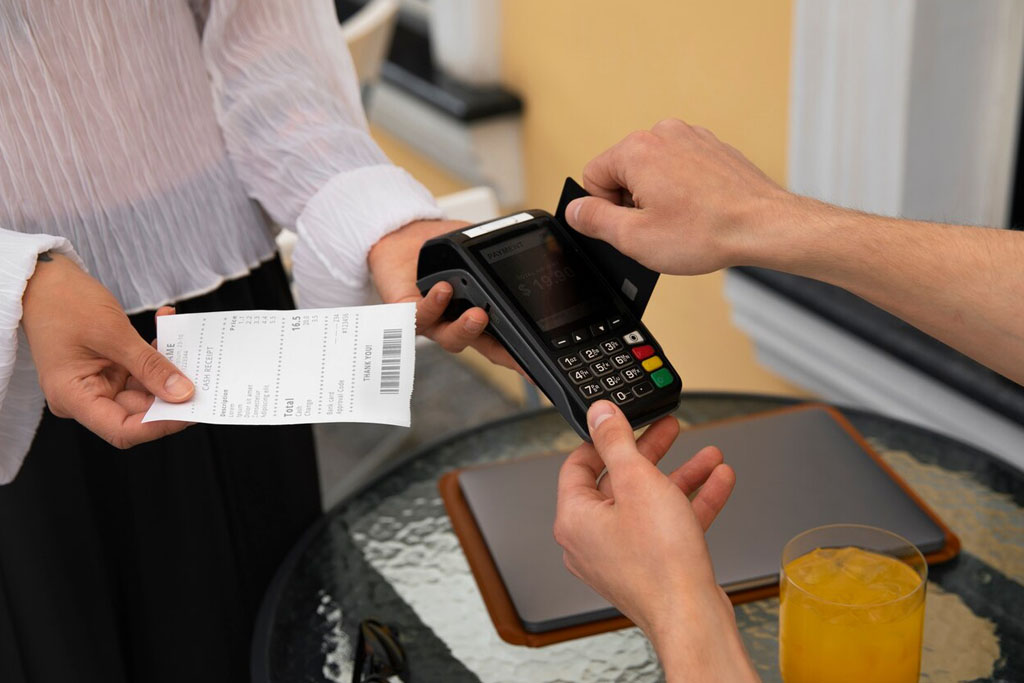
Gate admission with ride passes, cashless wristbands across a large site, several F&B outlets and merchandise points, locker rental, and heavy weekend and holiday concentration. Offline reliability matters more here than almost anywhere, because coverage is rarely uniform.
Gaming arcades and family entertainment centres
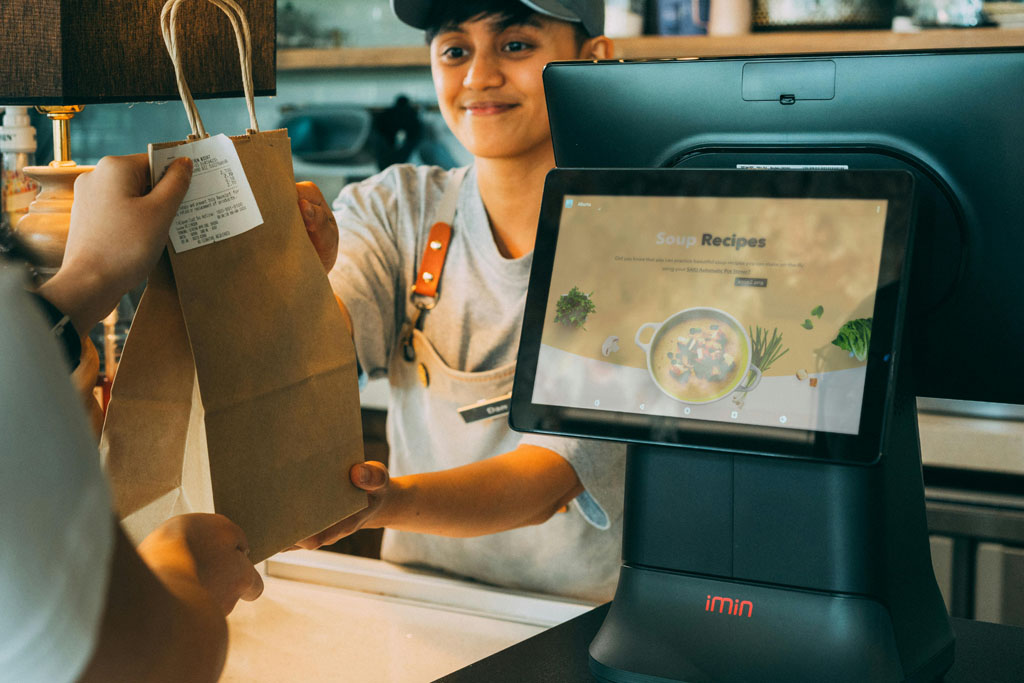
Game credits, prize redemption, party and group bookings, and a food counter running alongside. One card carrying play credit and F&B balance is the setup most operators want, and the one that lifts spend per visit.
Cinemas and multiplexes
Concession peaks are dictated by showtimes — a rush before the film and another at the interval, then nothing. Combo bundles tied to tickets, in-seat ordering, and counters that open and close by session. Staffing to the showtime curve needs data by session, not by day.
Also suited to
Adventure parks, trampoline parks, bowling alleys and go-karting tracks, museums and attractions with cafes, sports venues, and event and exhibition grounds where cashless issuance and end-of-event refunds happen in a compressed window.
Is ChefDesk right for your venue?
Good fit if
You sell admission and food, run more than one counter, want cashless wristbands or cards, need per-visitor spend visibility, or operate somewhere connectivity can't be relied on.
Probably more than you need if
You run a single food counter with no ticketing — in which case QSR billing software is the closer match.
What a typical setup looks like
Gate terminals for admission and pre-booked ticket scanning · a top-up kiosk or counter for wristbands · a billing terminal per concession counter · card readers at each tap point · KDS screens or printers in the kitchen · a token display for seating areas · one dashboard across all of it.
No local server at most counters — each terminal is independent and keeps billing through an outage. The setup options explained.
Running a chain of venues? See multi-outlet restaurant billing and restaurant management system.
For the full technical detail — multi-counter kiosks, prepaid credit, concession combos and footfall reporting — see theme park snack bar POS
See it mapped to your venue
Book a walkthrough and we'll model your actual gates, counters and cashless setup, then run a peak session through it — including what a visitor's whole day looks like from ticket to wristband to prize counter.


